Table


A table is presentational context, not a field of its own: a note renders one with ->table(headers, rows), drawing an aligned, bordered grid beneath its title and body. It honours the active theme - the border style, colour and Unicode switches - and its cells take the same {{field}} templating the note's title and body do, so the grid can reflect earlier answers. Like every note it collects nothing: the cursor skips it and it is absent from headless collection.
$p->note('stock', 'Basket contents')
  ->description('Everything picked so far:')
  ->table(['Fruit', 'Colour', 'In stock'], [
    ['Apple', 'Red', '12'],
    ['Pear', 'Green', '5'],
    ['Blackberry', 'Purple', '120'],
  ]);
Runnable script: playground/02-widgets-table.php.
Arguments
| Argument | Effect |
|---|---|
headers | The header cells. An empty list ([]) draws the grid with no header row. |
rows | The body rows, each a list of cells. A short row pads with empty cells; a long one widens the grid. |
Each column sizes to its widest cell, and the whole grid is capped at the frame width - an over-wide table shrinks its widest columns and truncates the clipped cells with an ellipsis so its borders always stay whole. Cells are coerced to strings, so numbers and booleans need no pre-formatting, and any line breaks in a cell fold to a space so it stays a single row.
Keyboard
A table is non-interactive: it renders inside a note the selection cursor skips over, so it has no keys of its own.
Headless behavior
A table is presentational - it carries no value. The note that holds it is absent from headless collection, from the answers payload, and from the machine-readable schemas (schema() and agentHelp()), so an agent is never asked to provide one.
Display modes
In all four display modes - Unicode or ASCII, color on or off:
| ANSI | No ANSI | |
| Unicode | 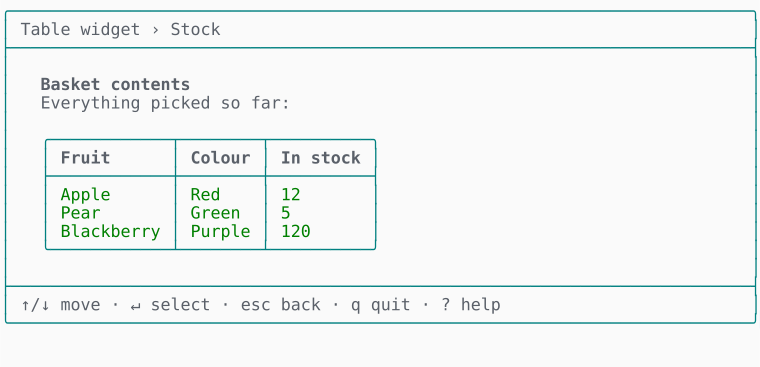 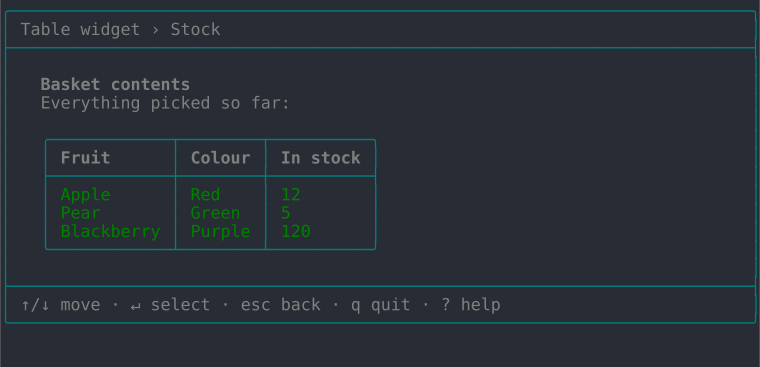 | 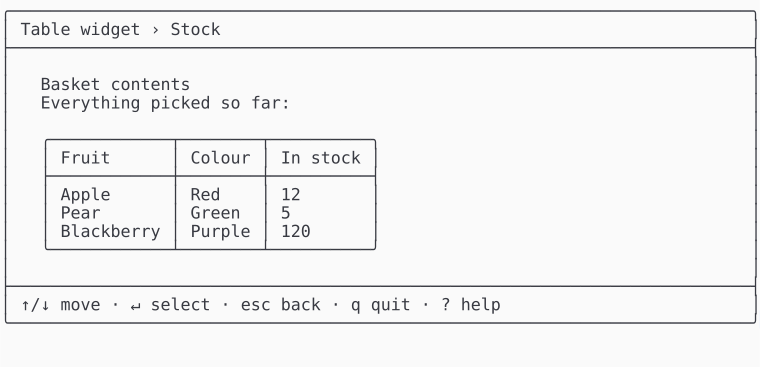 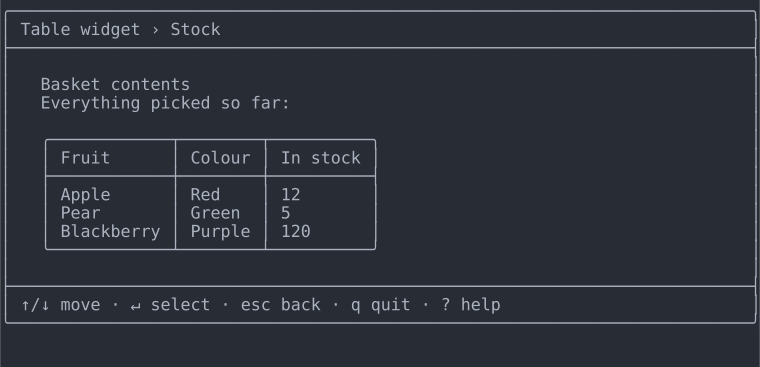 |
| ASCII | 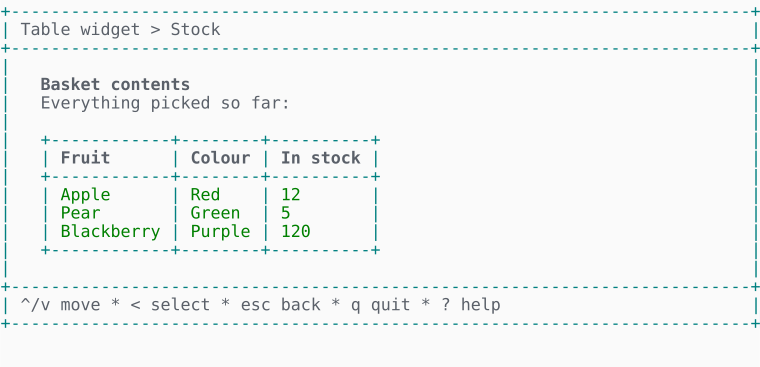 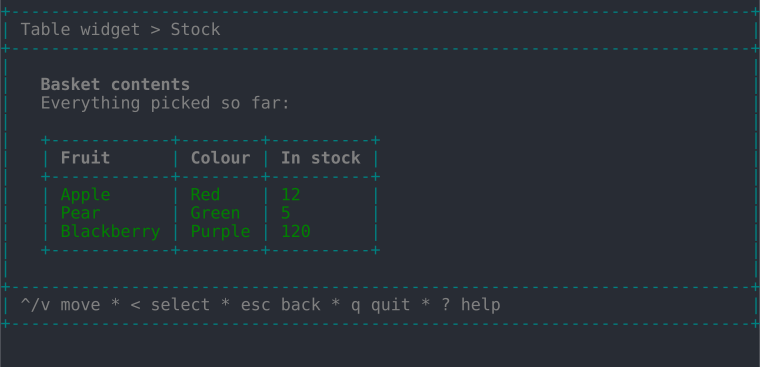 | 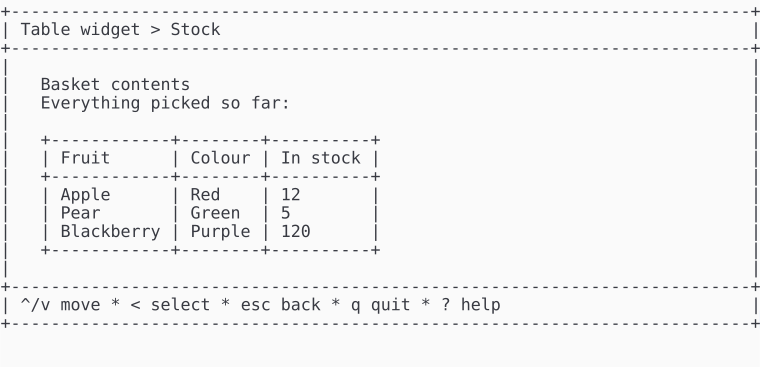 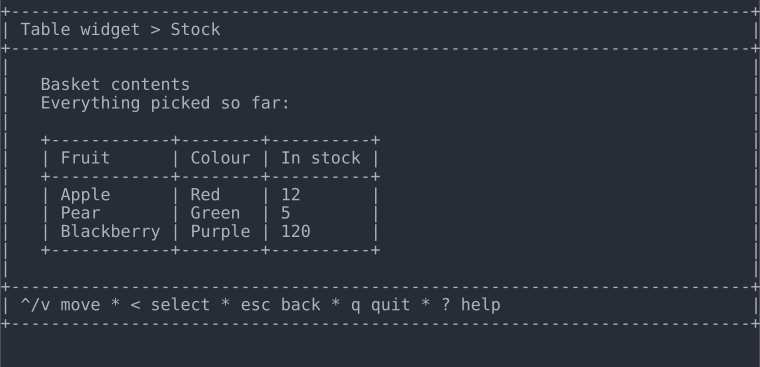 |