Select


Single choice from a list of options. It collects the selected option value (a string).
$p->select('fruit', 'Fruit')
  ->options([
    'apple' => 'Apple',
    'banana' => 'Banana',
    'cherry' => 'Cherry',
  ])
  ->default('banana') // Which option starts highlighted (defaults to the first).
  ->pageSize(10);     // Options visible before the list pages around the cursor.
Runnable scripts: playground/02-widgets-select.php and select-multiple.php.
Options
| Name | Description | Required | Default |
|---|---|---|---|
options() | The choices, as a value => label map (or added one at a time with option()). Also takes a callback returning that map. | Yes | - |
default() | Which option starts highlighted, by value. | No | First option |
pageSize() | Options shown before the list pages around the cursor. | No | 10 |
For headings, separators and disabled options, see Option groups. To narrow the choices by an earlier answer, see options from the answers.
Option descriptions
Give an option a description to explain what the choice implies. It shows as a secondary line beneath the list for the highlighted option and updates as the highlight moves. It is presentational only - the field still collects the selected value, never the description - it wraps to the available width, is dropped when the panel is too narrow to show it, and is absent from headless collection.


$p->select('fruit', 'Fruit')
  ->option('apple', 'Apple', description: 'Crisp and sweet, the everyday choice.')
  ->option('banana', 'Banana', description: 'Rich in potassium; ripens off the tree.')
  ->option('cherry', 'Cherry', description: 'Short season; best eaten fresh.');
In all four display modes - Unicode or ASCII, color on or off:
| ANSI | No ANSI | |
| Unicode | 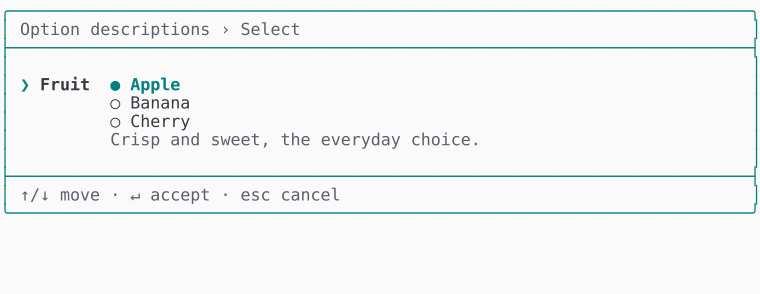 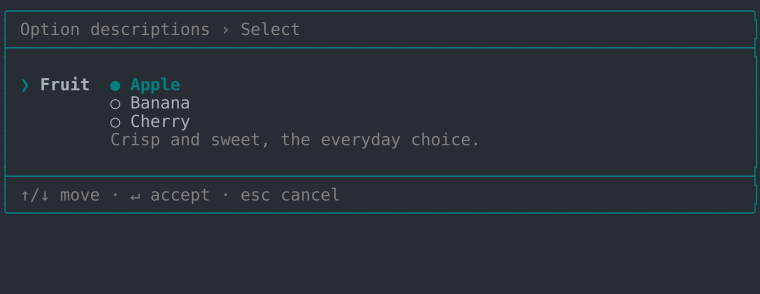 | 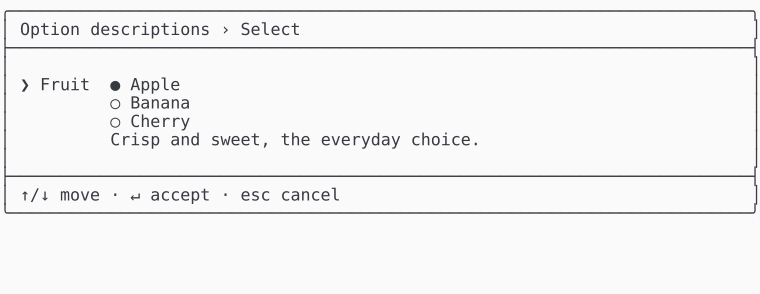 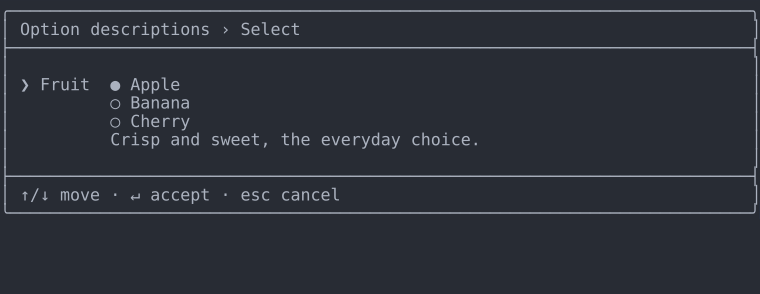 |
| ASCII | 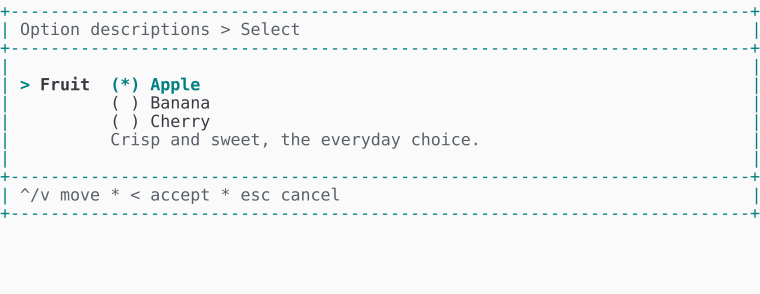 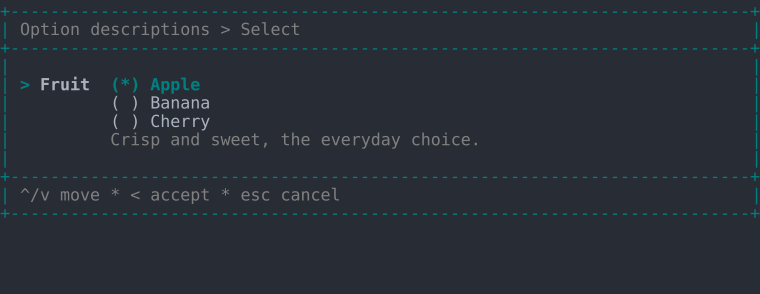 | 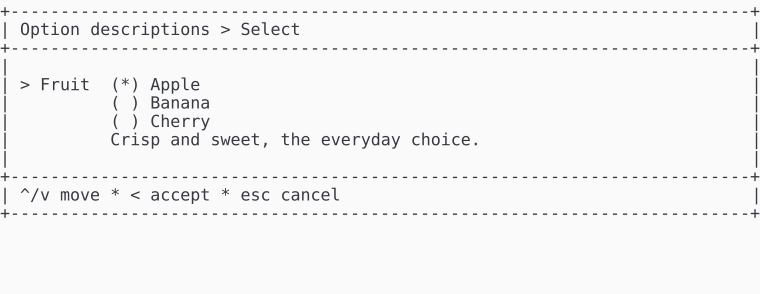 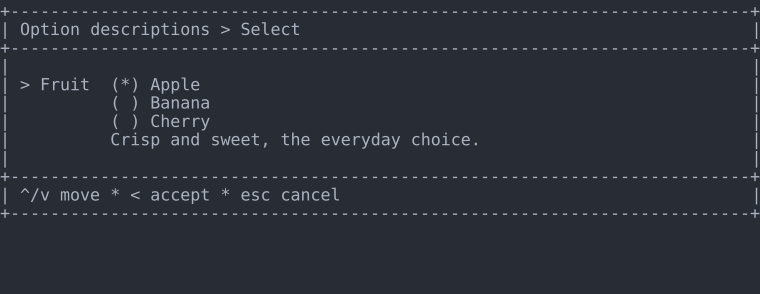 |
Descriptions work the same on search, suggest and reorder. Runnable script: playground/02-widgets-select-descriptions.php.
Keyboard
| Key | Action |
|---|---|
| ↑ / ↓ | Move the highlight (skips headings, separators and disabled options) |
| Enter | Accept the highlighted option |
| Esc | Cancel |
Display modes
In all four display modes - Unicode or ASCII, color on or off:
| ANSI | No ANSI | |
| Unicode | 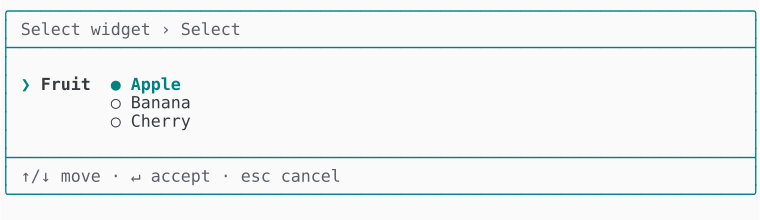 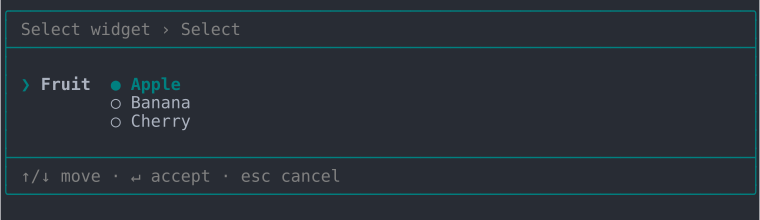 | 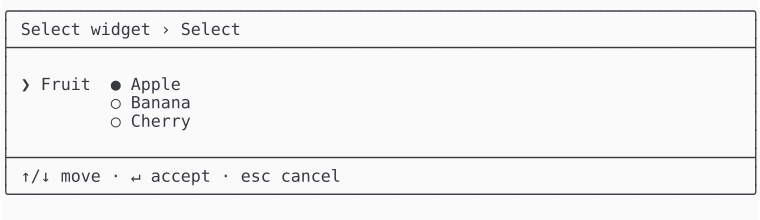 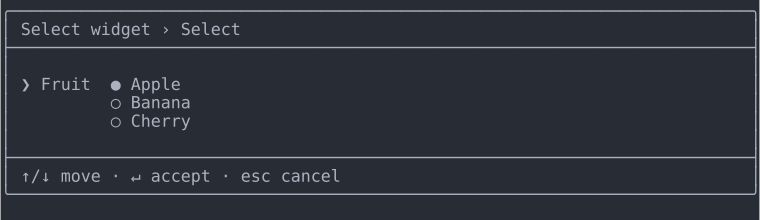 |
| ASCII | 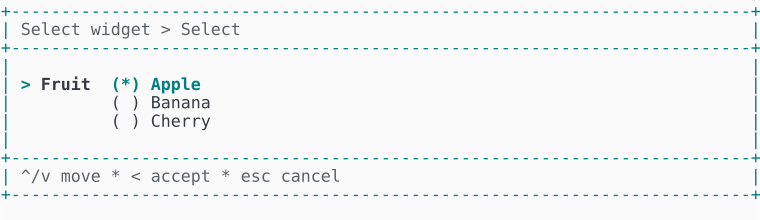 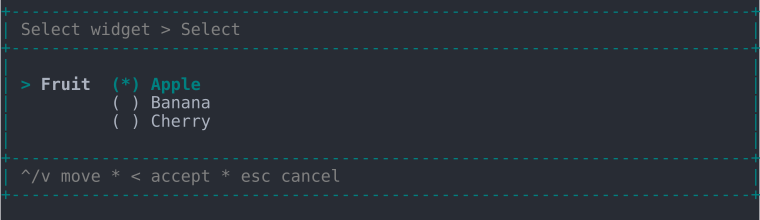 | 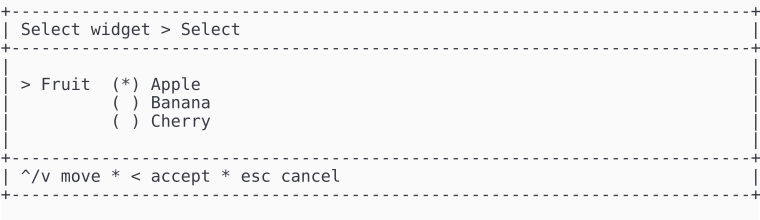 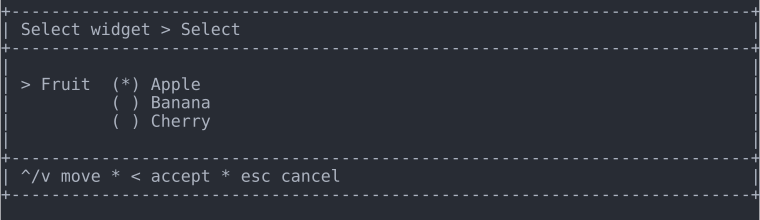 |
Multiple selection
Add ->multiple() to collect a list<string> of checked values instead of one. Space toggles the highlighted option, typing narrows the list by substring, → / ← select or deselect all visible, and Enter accepts the checked set.
$p->select('basket', 'Basket')
  ->multiple()
  ->options([
    'apple' => 'Apple',
    'carrot' => 'Carrot',
    'tomato' => 'Tomato',
  ])
  ->default(['apple']); // Values pre-checked when the field opens.


| ANSI | No ANSI | |
| Unicode | 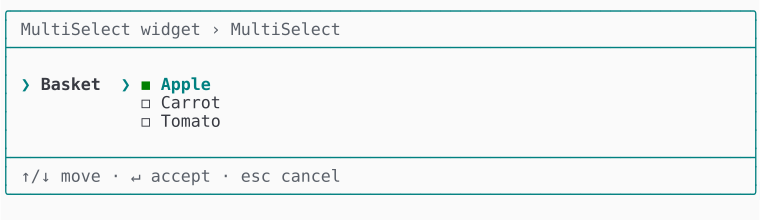 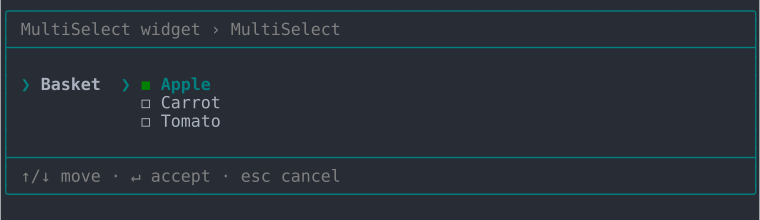 | 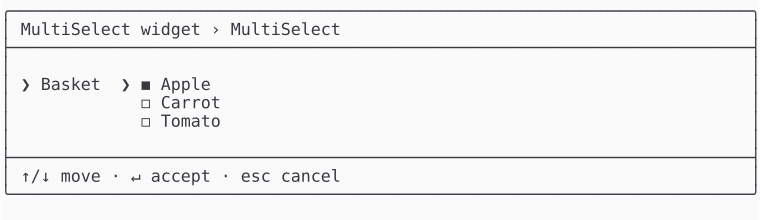 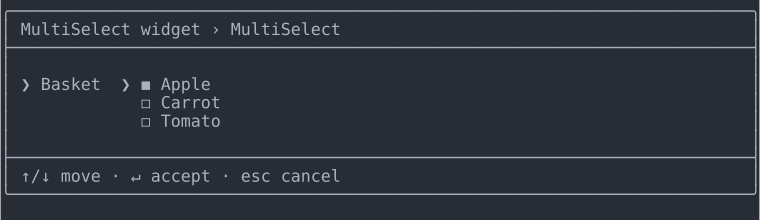 |
| ASCII | 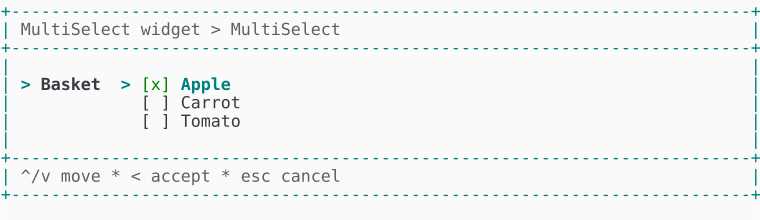 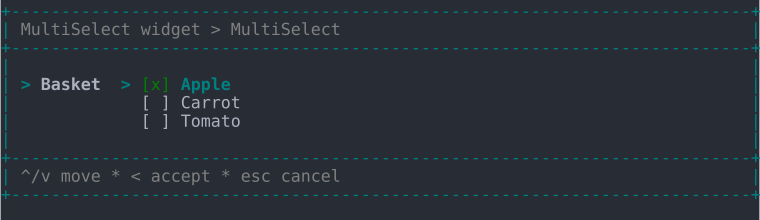 | 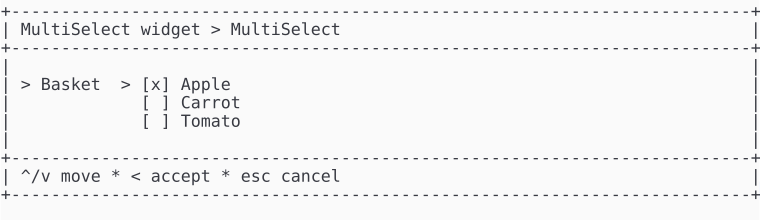 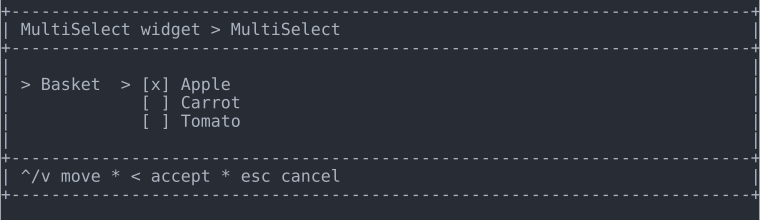 |
Selection limits
Bound how many values a multiple field collects with ->minSelections() and ->maxSelections(). The active limit shows as a hint below the list, an out-of-range selection is rejected inline when you accept, and the same bounds are enforced in headless collection.
$p->select('basket', 'Basket')
  ->multiple()
  ->minSelections(2) // Reject fewer than two checked.
  ->maxSelections(3) // Reject more than three checked.
  ->options([
    'apple' => 'Apple',
    'carrot' => 'Carrot',
    'tomato' => 'Tomato',
  ]);


| ANSI | No ANSI | |
| Unicode | 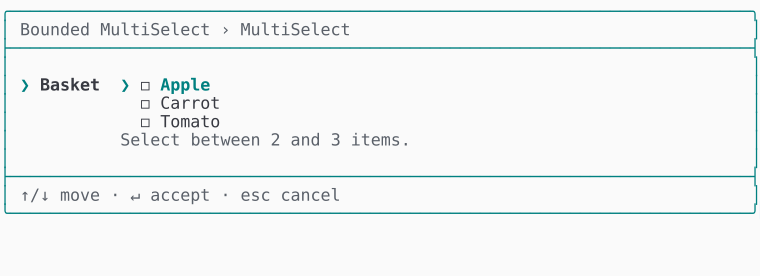 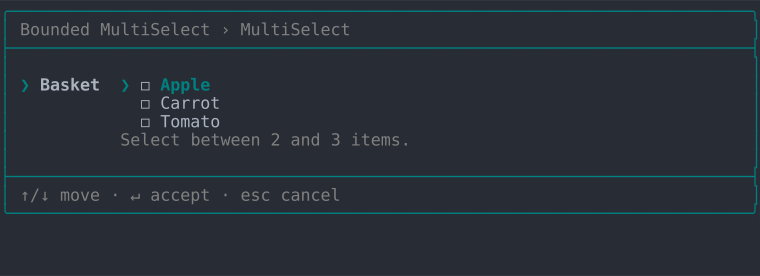 | 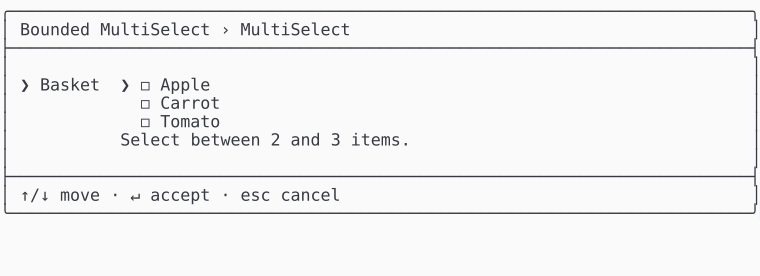 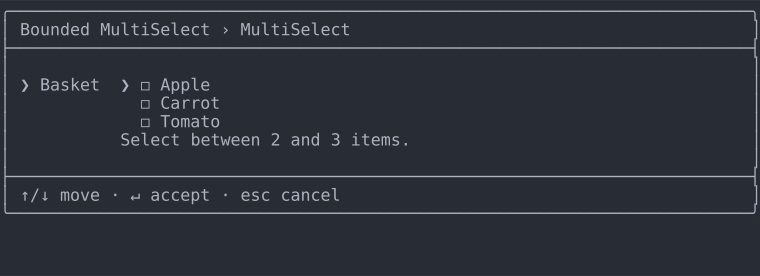 |
| ASCII | 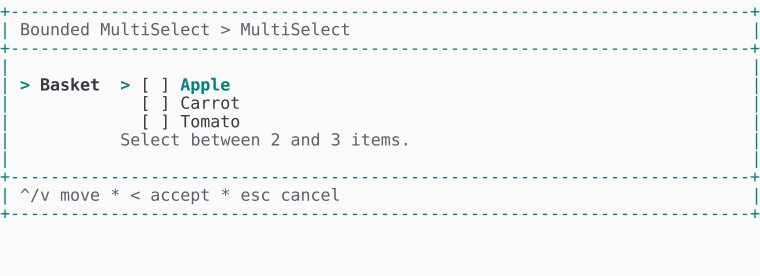 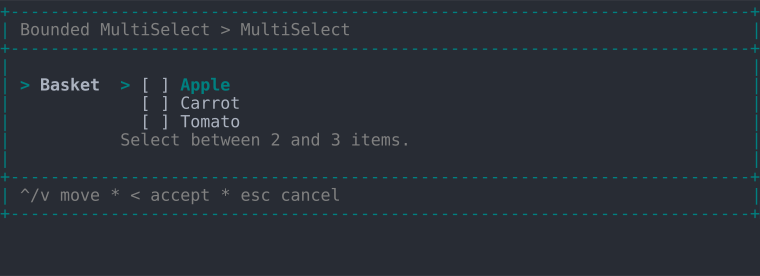 | 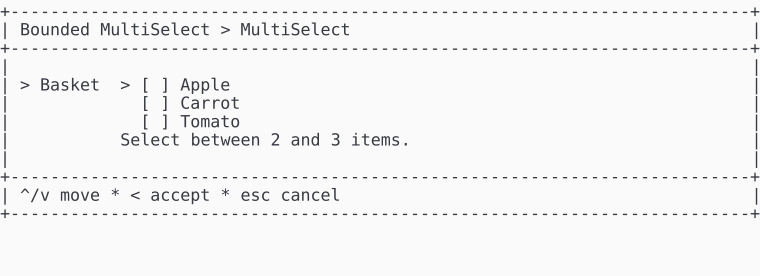 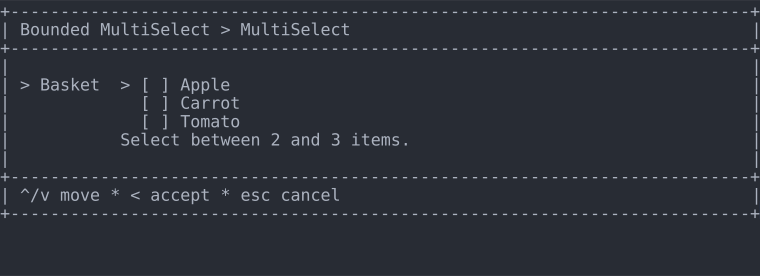 |
Runnable script: playground/02-widgets-select-multiple-limited.php.